Quick answer
How do you set up a returns and refunds process for a small business?
To set up a returns and refunds process for small business, write a short return policy, fix the steps from request to refund, decide who can approve what, check every returned item, refund through the same mode the customer paid, issue a credit note where needed, record the return reason and review reasons every month to cut repeat returns.
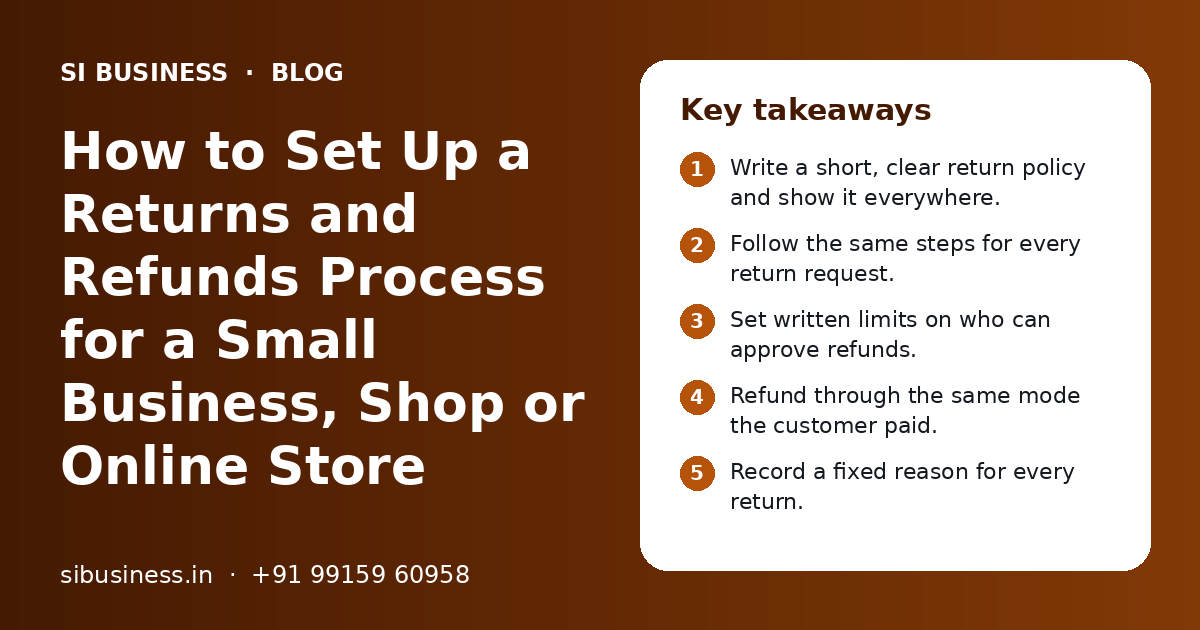
Key takeaways
- Write a short, clear return policy and show it everywhere.
- Follow the same steps for every return request.
- Set written limits on who can approve refunds.
- Refund through the same mode the customer paid.
- Record a fixed reason for every return.
- Review reasons monthly to stop repeat returns.
Why does a small business need a returns and refunds process?
A returns and refunds process makes sure every return is handled the same way, by the right person, with a record. Without it, refunds get delayed, stock goes missing and the same problems keep coming back.
In many small businesses, returns are handled on the spot. One staff member gives cash back, another offers an exchange, and the owner promises a refund on WhatsApp. A month later, nobody knows how much money went out or why customers sent things back.
A good process protects both sides. Customers get a fair and quick answer. You protect your margins and stock. It also links closely with your order management process, because a return is simply an order moving backwards.
What should a simple return policy include?
A simple return policy should say what can be returned, within how many days, in what condition, what proof is needed and how the refund is paid. Keep it short enough that a customer can read it in one minute.
- Return window: the number of days from delivery or purchase
- Items that cannot be returned, such as innerwear, opened food, custom-made or sale items, if that applies to you
- Condition: unused, with tags, original box and bill
- Proof needed: bill, order number or payment screenshot
- Options: refund, exchange or store credit, and when each applies
- Refund mode: same mode as payment, or as agreed
- Who pays for return pickup or courier, if you sell online
- How to raise a return: counter, WhatsApp number, email or website form
Show the policy where customers see it before they pay: on the bill, near the counter, on product pages, in the order confirmation message and on your website footer. Online sellers are expected to show their return and refund terms clearly. Check the current rules for your sales channel with your CA or legal adviser.
What are the steps in a returns and refunds process?
Follow the same eight steps for every return, whether it comes at the counter, on WhatsApp or through your website. Receive, check eligibility, approve, collect the item, inspect it, decide, refund and record.
- 1
Receive the request
Take the return request through one fixed channel. Note the order or bill number, customer name, phone, product and the reason in the customer's own words.
- 2
Check eligibility
Check the request against your policy: is it inside the return window, is the item returnable, and is proof of purchase available?
- 3
Approve or reject
The right person approves, based on your written limits. If you reject, tell the customer the reason politely and in writing.
- 4
Collect the item
For shops, the customer brings it to the counter. For online orders, book a pickup or share the courier address and a return number.
- 5
Inspect the item
Check the condition, tags, box, quantity and serial number. Take photos for your record, especially for costly items.
- 6
Decide the outcome
Choose refund, exchange, repair or store credit as per policy. Tell the customer what will happen and by when.
- 7
Pay the refund or send the exchange
Refund through the agreed mode, or dispatch the replacement. Share the UPI reference or transaction ID with the customer.
- 8
Record and restock
Update the return register, issue a credit note if needed, and move the item to stock, repair or damaged stock.
Put these steps on one page and train every staff member who talks to customers. Our SOP documentation service can turn this into a clear written SOP with forms and checklists.
Who should approve returns and refunds?
Give front-line staff clear written limits, and send bigger or unusual refunds to a manager or the owner. This keeps simple returns fast and stops large money decisions from being made alone at the counter.
| Type of return | Who can approve | Example |
|---|---|---|
| Exchange for same item, same price | Counter or support staff | A shirt exchanged for a different size |
| Exchange for a different item | Senior staff or team lead | Customer wants a different model and pays the difference |
| Store credit | Team lead | Credit for use on the next purchase |
| Refund within a set limit | Manager | Refund for a damaged item with photos |
| Refund above the limit or outside policy | Owner | A goodwill refund after the return window |
| Bulk or B2B return | Owner with accounts | A dealer returns unsold stock |
Where you can, the person who approves a refund should not be the only person who pays it. A second check by the accounts person or owner prevents mistakes and misuse.
Need help with your project?
Talk to the SI Business team. Free first call, simple advice, clear quote.
How should you pay refunds through UPI, bank or card?
Refund through the same mode the customer used to pay, unless the customer agrees to another mode. Always record the transaction reference and share it with the customer, so both sides can trace the money.
| How the customer paid | How to refund | What to record |
|---|---|---|
| Cash at the counter | Cash back, or UPI if the customer prefers | Refund slip signed by the customer |
| UPI to your shop QR | UPI transfer to the customer's UPI ID or number | UPI reference number and date |
| Online through a payment gateway | Refund from the gateway dashboard to the original source | Gateway refund ID |
| Cash on delivery | Bank transfer or UPI to details confirmed by the customer | Bank or UPI reference and confirmation message |
Simple rules for safe refunds
- Send a refund only to a UPI ID or account the customer confirms in writing, for example on WhatsApp.
- Never pay refunds from a staff member's personal account.
- Tell the customer when to expect the money and send the reference number once it is paid.
If refunds are paid by many people from many places, matching them with your books becomes hard. Our finance process automation page explains how refunds, payments and credit notes can flow into your accounts with fewer manual steps. When you issue a GST invoice and goods come back, you usually also issue a GST credit note against that invoice, so ask your CA how to record it.
How do you track return reasons in a simple sheet?
Keep one return register in Google Sheets or Excel, with one row per return and a fixed list of reasons. Fixed reasons let you count returns later and find what to fix.
| Column | What to write | Why it helps |
|---|---|---|
| Return number | A running number such as R-101 | Easy to refer to with staff and customer |
| Order or bill number | The original sale | Links the return to the right sale and invoice |
| Product and SKU | Item name, size, colour or batch | Shows which products return most |
| Reason | Pick one from a fixed list | Lets you count and compare reasons |
| Outcome | Refund, exchange, store credit or rejected | Shows how much money goes out |
| Amount and refund reference | Refund value and UPI or bank reference | Lets accounts match payments |
| Item status | Restocked, repair, damaged or sent to supplier | Stops returned stock from getting lost |
A simple fixed list of return reasons
- Wrong size or fit
- Damaged in transit
- Defective or not working
- Wrong item sent
- Not as shown in photos or description
- Late delivery
- Changed mind
- Other, with a short note
Do not let staff type their own reasons. "Bad quality", "poor quality" and "quality issue" will be counted as three different reasons. Use a drop-down list in the sheet. Also update stock the same day the item comes back, as explained in our inventory management process page.
How can you cut repeat returns?
Review your return register once a month, find the top two or three reasons, and fix the cause behind each one. Most repeat returns come from a few fixable causes, such as unclear size details, poor packing or wrong items at dispatch.
| Common reason | Likely cause | What to fix |
|---|---|---|
| Wrong size or fit | Size chart missing or unclear | Add a clear size chart with measurements and fit notes |
| Damaged in transit | Weak packing or rough courier handling | Improve packing for fragile items and review your courier |
| Wrong item sent | No check before dispatch | Add a pick-and-pack check against the order |
| Not as shown | Photos or description are misleading | Use real photos, true colours and honest descriptions |
| Defective item | Supplier quality issue | Check incoming stock and raise the issue with the supplier |
For D2C brands and marketplace sellers, returns can eat into margins quickly because you often pay shipping both ways. Our ecommerce operations page covers dispatch checks, courier choice and stock sync in more detail.
Should you offer an exchange before a refund?
Offer an exchange first when the product is fine but the size or colour is wrong. Do not force one when the item is faulty.
Exchange first works when
- The customer chose the wrong size or colour
- You have the right item in stock
- Your policy clearly says exchange is offered first
Refund is better when
- The item is defective or damaged
- The wrong item was sent by you
- The product is out of stock
- The customer was clearly unhappy with quality
What mistakes should you avoid with returns and refunds?
The biggest mistakes are unclear policies, slow refunds, no inspection, no record of reasons and treating every returning customer as a cheat. Each one costs you money or customers.
- Do not hide the return policy or show it only after payment
- Do not refund before inspecting the returned item, except for very small amounts you choose to allow
- Do not let returned stock sit unchecked for days
- Do not pay refunds from personal accounts or without a reference number
- Do not ignore a product that keeps coming back
If a return turns into a complaint, follow a clear complaint process. Our post on how to handle customer complaints gives step-by-step replies for WhatsApp, phone and Google reviews.
Which return numbers should owners watch every month?
Watch a few simple numbers: how many returns came in, the value refunded, the top reasons, the time taken to close a return and the products returned most. These show whether your process and products are getting better.
- Number of returns this month, and returns compared with orders
- Total value refunded and value given as store credit
- Top three return reasons
- Average days from return request to refund
- Top five products by number of returns
Add these to your monthly review next to sales and stock numbers. A simple KPI dashboard for owners can show them on one screen. You can also ask customers for short feedback after a return closes, using a customer feedback system, and use what you learn to improve your customer experience.
SI Business is powered by Shivah Web Tech, with 11+ years of experience and 500+ projects. We help owners set up clear processes like this one, with simple sheets first and software only when it is needed. To set up a returns and refunds process for your business, book a free call. You get a clear quote after a free call.
Frequently Asked Questions
How many days should a small business give for returns?
There is no single right number. Pick a window that suits your products and that your team can manage. Fashion and lifestyle items often get a short window after delivery. Electronics may need a separate warranty process. Whatever you choose, write it clearly in your policy, show it before payment and apply it the same way to every customer.
Can a small shop say no refunds, only exchange?
Many shops offer exchange or store credit instead of cash refunds for items that are fine but not wanted. But if a product is defective, damaged or not what was promised, a customer may have rights under consumer law. Show your policy clearly before sale, treat faulty items fairly and check the rules for your business with a legal adviser.
How do I refund a customer who paid by UPI?
Ask the customer to confirm their UPI ID or number in writing, for example on WhatsApp. Send the refund from your business account, not a personal one. Check the name shown in your UPI app before paying. Note the UPI reference number in your return register and send it to the customer so they can trace the payment.
Who should approve refunds in a small business?
Set written limits. Counter or support staff can approve simple exchanges. A manager can approve refunds up to a set value. The owner approves anything above that limit or outside policy. Where possible, the person who approves a refund should not be the only person who pays it. This second check prevents mistakes and misuse.
Do I need to issue a credit note when goods are returned?
If you issued a GST invoice and the goods come back or the price is reduced, you usually issue a GST credit note against that original invoice. The credit note keeps your sales, tax and stock records correct. Rules can depend on your business, so ask your CA how and when to report credit notes in your GST returns.
Do I need software to manage returns and refunds?
Not at the start. A clear policy, fixed steps and a shared sheet are enough for most small businesses. Software helps when returns grow, when you sell on many channels or when many staff handle returns. Choose software only after your process works on a sheet, so the tool supports steps your team already follows.