Quick answer
Which is better for a small manufacturer, make to order or make to stock?
In the make to order vs make to stock choice for small manufacturers, make to order means you produce only after a confirmed order, so less cash is stuck in stock but delivery takes longer. Make to stock means you produce ahead from a forecast, so delivery is fast but stock risk is higher. Many SMEs mix both by product.
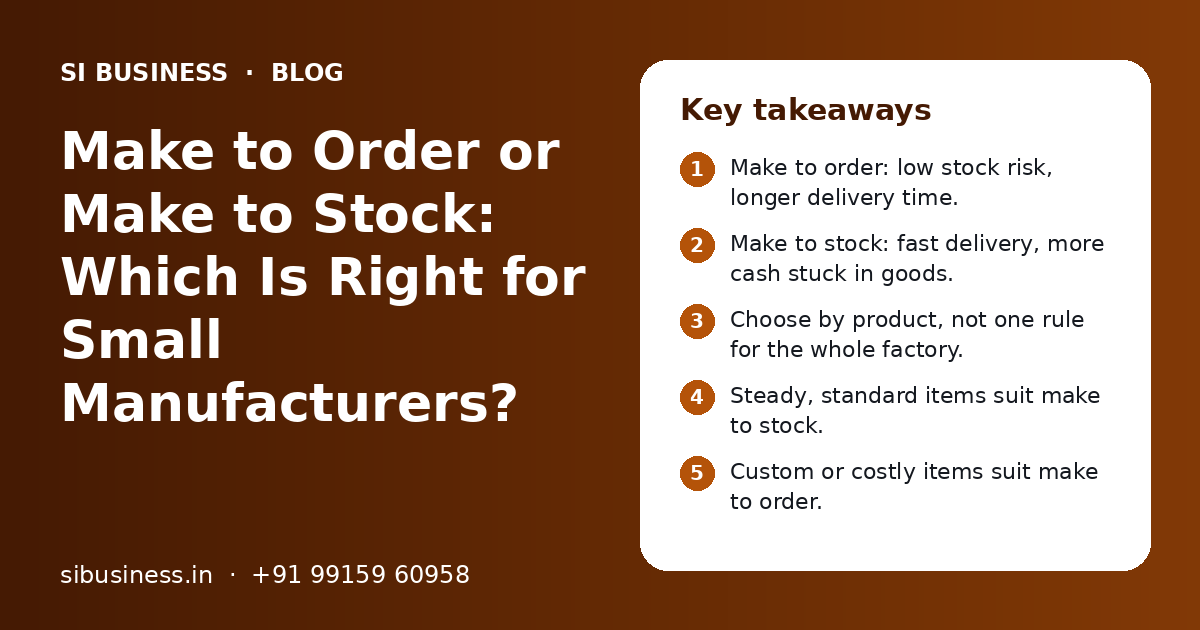
Key takeaways
- Make to order: low stock risk, longer delivery time.
- Make to stock: fast delivery, more cash stuck in goods.
- Choose by product, not one rule for the whole factory.
- Steady, standard items suit make to stock.
- Custom or costly items suit make to order.
- Track a few numbers each week to test your choice.
Make to order vs make to stock: what is the difference?
Make to order (MTO) means you start making a product only after a customer confirms an order. Make to stock (MTS) means you make products ahead, based on expected demand, and keep them ready to ship.
For a small manufacturer, this choice is not only a production question. It decides how much money is locked in your godown, how fast you can promise delivery, how often your team works overtime and how many customer calls start with 'where is my order?'
How do make to order and make to stock compare side by side?
The main differences are in delivery time, cash, stock risk, planning effort and how much you can customise. The table below shows them in one view.
| Factor | Make to order (MTO) | Make to stock (MTS) |
|---|---|---|
| When production starts | After a confirmed order | Before the order, from a forecast |
| Delivery time to customer | Longer, includes production time | Short, ship from ready stock |
| Cash stuck in finished goods | Low | High |
| Risk of dead or old stock | Low | Higher if the forecast is wrong |
| Customisation | Easy, each order can differ | Hard, products are standard |
| Planning effort | Plan capacity and raw material | Plan demand, stock levels and storage |
| Storage space needed | Less for finished goods | More for finished goods |
| Shop floor pattern | Uneven, follows orders | Smoother, planned batches |
| Main danger | Missed delivery dates | Too much or wrong stock |
| Best for | Custom, costly or slow-moving items | Standard, fast-moving items |
Neither column is better in every row. Make to order wins on cash and stock risk. Make to stock wins on speed and smooth production. Your job is to decide which rows matter most for each product you sell.
When is make to order the better choice?
Make to order is better when each customer wants something a little different, when products are costly to hold, or when demand is hard to predict. It keeps cash free and avoids piles of unsold goods.
Signs make to order fits your product
- Customers send their own drawings, sizes or specifications
- Each order has a different colour, design, print or finish
- The product is costly, so holding stock locks a lot of money
- Demand comes in a few large orders, not many small ones
- Customers accept a delivery time of days or weeks
- The product can spoil, rust or go out of fashion in storage
Common examples are machine parts made to drawing, printed packaging, furniture made to size, fabrication work, uniforms for schools and companies, and industrial equipment. In these cases, making ahead would mean guessing sizes and designs that may never sell.
When is make to stock the better choice?
Make to stock is better when products are standard, demand is steady and customers expect delivery today or tomorrow. It lets you produce in planned batches and ship fast.
Signs make to stock fits your product
- The same product sells week after week in similar amounts
- Customers or dealers will buy from a competitor if you are late
- The product has few variants, such as a small set of sizes
- Goods store well and do not spoil quickly
- Batch production is cheaper than making one piece at a time
- You sell through dealers, distributors or online marketplaces that expect ready stock
Common examples are packaged food with good shelf life, standard hardware, common spare parts and basic garments in fixed sizes. Here, if you do not have it, the customer buys elsewhere.
Make to stock works only when your stock records are correct. If the software shows 200 pieces but the rack has 120, you will promise goods you do not have. A clear inventory management process is the base of any make to stock plan.
Need help with your project?
Talk to the SI Business team. Free first call, simple advice, clear quote.
Can a small manufacturer use both make to order and make to stock?
Yes. Most small manufacturers do best with a mix: make to stock for a few fast-moving standard items and make to order for custom or slow-moving items. You choose the model product by product.
There is also a middle path that many factories use without naming it. You keep common parts or half-finished goods ready, and you finish the product only after the order comes. For example, a furniture unit may keep frames ready and add the fabric the customer picks. This is often called assemble to order. It cuts delivery time without the full risk of finished stock.
| Type of product | Demand pattern | Suggested model |
|---|---|---|
| Top sellers, standard design | Steady, every week | Make to stock |
| Standard items, low sales | Rare, uneven | Make to order |
| Products with a common base and many finishes | Steady base, varied finish | Keep base ready, finish to order |
| Fully custom work | Every order different | Make to order |
| Seasonal items | High in a known season | Build stock before the season, then make to order |
Indian businesses often see seasonal peaks around festivals, weddings or school openings. In such cases, you can build some stock ahead of the season and switch back to make to order once it ends. Write this rule down so the team does not keep producing after demand falls.
How do you decide which model fits each product?
Sort your products by how much they sell, how steady the demand is and how custom they are. Then pick a model for each group and test it for a few weeks.
- 1
List all products
Pull a product-wise sales list for the last year from your billing or accounting software. Include the quantity sold each month.
- 2
Mark fast and slow movers
Find the few items that sell most often. These are your first make to stock candidates. Items that sell rarely are make to order candidates.
- 3
Check how steady demand is
See if monthly sales of each item stay close or jump up and down. Steady items are easier to stock.
- 4
Check customisation
Mark items where customers ask for their own size, colour, print or design. These should stay make to order.
- 5
Ask what customers expect
Talk to your sales team and dealers. Find out how long customers will wait before they go elsewhere.
- 6
Set stock levels for stocked items
For make to stock items, set a minimum level and a reorder point, so production starts before shelves run empty.
- 7
Write the rule and test it
Write a short rule for each group in an SOP. Run it for a set period, review the numbers and adjust.
If your sales data is spread across registers, Excel sheets and WhatsApp chats, an operations audit helps you gather it and see the real picture first.
Which numbers show if your production model is working?
Track on-time delivery, finished goods stock value, slow-moving stock, stock-outs and order lead time. These numbers tell you quickly whether your model choice needs a change.
| Number | What it shows | Watch more closely in |
|---|---|---|
| On-time delivery | Share of orders shipped by the promised date | Make to order |
| Order lead time | Days from order to dispatch | Make to order |
| Finished goods stock value | Money locked in ready goods | Make to stock |
| Slow or dead stock | Goods not sold for a long time | Make to stock |
| Stock-outs | Times a stocked item ran out | Make to stock |
| Overtime hours | How often the floor works in a rush | Both |
Review these numbers every week, not only at year end. A simple KPI dashboard for owners can show them on one screen, so you do not have to ask three people for updates. If on-time delivery keeps falling for an MTO item, you may need more capacity or a ready base part. If dead stock keeps rising for an MTS item, lower its stock level or move it to make to order.
What mistakes should you avoid when choosing MTO or MTS?
The biggest mistakes are using one rule for all products, trusting wrong stock records and never reviewing the choice. Each one turns a good model into daily trouble.
- Using one model for the whole factory. Different products need different rules.
- Making stock from gut feeling instead of past sales data.
- Promising MTO delivery dates without checking machine time and raw material.
- Keeping old stock levels after demand has changed.
- Not linking sales orders to the production plan, so the floor works on the wrong job.
- Never writing the rules down, so the plan lives only in the owner's head.
Many of these mistakes come from gaps between sales, stores and production. A clear order management process makes sure every order reaches the production plan with the right details and date. Reliable raw material is just as important, and a simple vendor management process helps you track supplier lead times and follow up early.
How can SI Business help you plan production better?
We study your products, orders and stock, help you choose the right model for each product group and set up simple rules, SOPs and reports your team can follow every day.
SI Business is powered by Shivah Web Tech, a team with 11+ years of experience and 500+ projects. We work with the tools you already use, such as your billing software, Tally exports, Excel sheets and WhatsApp, and suggest new software only where it truly helps.
- Review of product-wise sales and stock data
- Stock levels and reorder points for stocked items
- Order-to-production flow with clear owners and dates
- Short SOPs written through our SOP documentation work
- A weekly report or dashboard for the owner
This work is part of our business process optimization service. Cost depends on the number of products, locations and teams, and on whether you need new reports or tools. You get a clear quote after a free call. Contact us to book one.
Frequently Asked Questions
What is the main difference between make to order and make to stock?
Make to order starts production only after a customer confirms an order. Make to stock produces goods ahead, based on expected demand, and keeps them ready. Make to order saves cash and avoids dead stock but takes longer to deliver. Make to stock delivers fast but locks money in finished goods and carries the risk of unsold items.
Is make to order better for a small business?
It is often a safer start for a small business with limited cash, because you spend on production only when an order is confirmed. It suits custom or costly products. But if customers expect fast delivery and buy standard items, make to order can lose sales to competitors who keep ready stock. Decide product by product.
Which products should a small factory make to stock?
Make to stock suits products that sell steadily every week, have a standard design, store well without spoiling and are bought by customers who will not wait. Top-selling standard items and common spare parts are good examples. Start with only your fastest movers, set clear stock levels and review the numbers every week.
Can I switch from make to stock to make to order?
Yes. Many factories move slow-selling items from make to stock to make to order to free up cash and space. Sell or clear the old stock first, tell your sales team and dealers the new delivery time, and update your SOP. Do it product by product, not all at once, so customers are not surprised.
How do festivals and seasons affect the MTO or MTS choice?
Seasonal peaks around festivals, weddings or school openings can push demand far above normal. Many small manufacturers build some stock before the season and then return to make to order after it. Use last year's sales for the same season as a guide, set a stop date for extra production and track what remains unsold.
Do I need software to manage make to order and make to stock?
Not always at the start. Many small factories begin with clear rules, accurate stock records and a simple shared sheet. Software helps when you have many products, orders or locations, or when sales, stores and production keep giving different numbers. Fix the process first, then choose software that fits it.
What is assemble to order?
Assemble to order is a middle path. You keep common parts or half-finished products ready and finish the final product only after the customer orders. For example, you keep a base model ready and add the colour, size or finish the customer picks. It shortens delivery time while keeping less finished stock than make to stock.