Quick answer
How do you reduce rework and mistakes in daily operations?
To reduce rework and mistakes in daily operations, first find the few steps where most errors start. Add short checklists at those steps, set clear handover rules between people and teams, and look for the root cause of each repeat mistake instead of blaming staff. Then track a few simple numbers every week to see if errors fall.
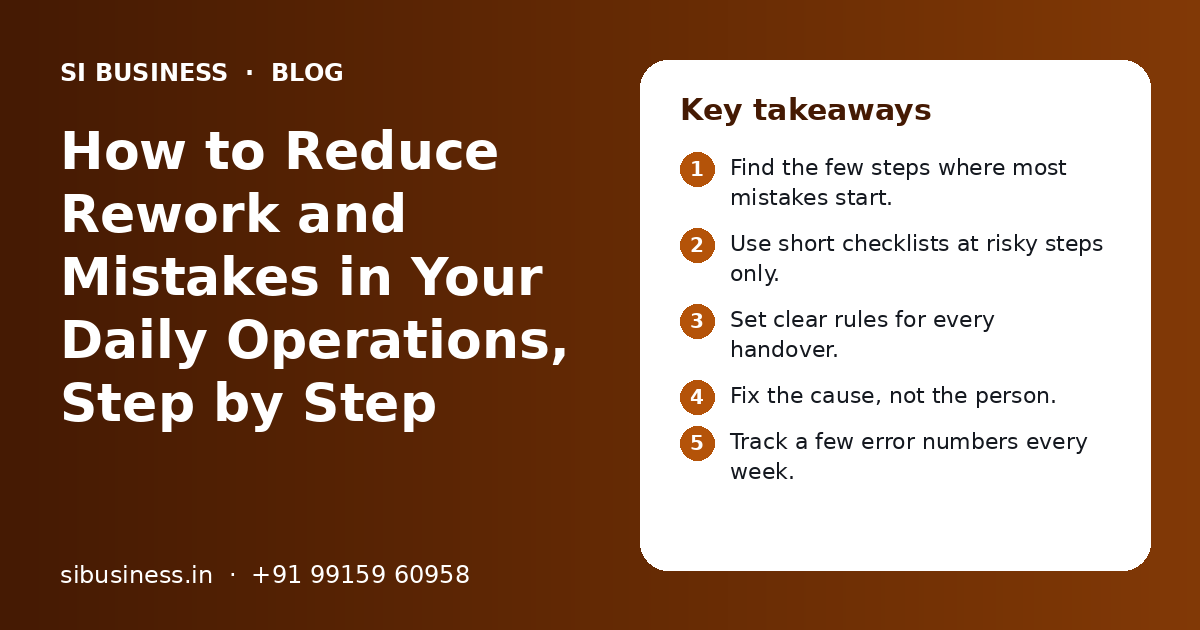
Key takeaways
- Find the few steps where most mistakes start.
- Use short checklists at risky steps only.
- Set clear rules for every handover.
- Fix the cause, not the person.
- Track a few error numbers every week.
- Make the right way the easy way.
What is rework, and why does it cost more than you think?
Rework is any work done again because it was not done right the first time. It costs more than you think because you pay for the first attempt, the fix, the delay and often a lost customer.
Most owners only see the big mistakes, like a wrong shipment or an angry customer call. The small ones stay hidden. A clerk retypes a bill. A store person searches for a wrong item. A manager calls a customer again to confirm an address. Each fix takes a few minutes, but they happen many times a day.
Learning how to reduce rework and mistakes in daily operations is one of the quickest ways to free up staff time. You do not need new people or a big system to start. You need to see where errors begin and change the steps that cause them.
Where do most mistakes happen in daily operations?
Most mistakes happen at a few points: when information is written down, when work passes from one person to another, and when a step depends on memory. Find these points before you try to fix anything.
In most businesses, a small number of steps cause a large share of the errors. Your job is to find those steps. Do not try to fix everything at once.
| Type of business | Common mistake points | Typical rework |
|---|---|---|
| Shop or showroom | Billing, stock entry, home delivery details | Cancelled bills, wrong item sent, return trips |
| Factory or workshop | Job cards, drawings, material issue, shift change | Rejected pieces, parts made again, late dispatch |
| Clinic or lab | Patient details, test orders, report handover | Repeat tests, wrong reports, calls to patients |
| Office or service firm | Client briefs, data entry, approvals, email handover | Work redone, documents sent again, missed deadlines |
| Ecommerce or dispatch | Order entry, picking, packing, address details | Wrong product shipped, returns, re-shipping |
How to find your own mistake points
- 1
Keep a simple mistake log for two weeks
Ask each team to note every error and every redo in a register, a shared sheet or a WhatsApp group: what went wrong, at which step and how long the fix took.
- 2
Group the mistakes by step
At the end of two weeks, sort the list by the step where the error started, not where it was found.
- 3
Pick the top three steps
Choose the three steps with the most errors or the costliest fixes. Start your work there.
- 4
Walk the process yourself
Stand with the person who does that step and watch it happen. Many causes become clear in an hour.
If you want an outside view, an operations audit maps your full process and shows where errors and delays are hiding.
How do simple checklists reduce mistakes?
Checklists reduce mistakes by taking memory out of risky steps. A short list of five to eight checks at the right moment catches most slips before the work moves on.
Rules for a checklist people will actually use
- Keep it short: five to eight items, not thirty.
- Use simple words, and the local language if staff prefer it.
- Put it where the work happens, not in a file in the office.
- List only the checks that prevent real mistakes from your log.
- Use it at a fixed moment, such as before packing or before sending a bill.
- Review it every few months and remove items that no longer help.
Example: a packing checklist for a dispatch desk
- Order number on the slip matches the order on screen.
- Item code, size and colour match the order.
- Quantity counted twice.
- Address and phone number checked with the order.
- Payment mode marked: paid by UPI or cash on delivery.
- Photo of the packed box taken and saved with the order.
Checklists work best when they sit inside a clear standard way of working. Our SOP documentation service turns your best way of doing a task into a short written guide with a checklist attached.
What handover rules stop errors between people and teams?
Clear handover rules stop errors by fixing what must be passed on, in what format and who confirms it. Most rework starts when work changes hands with missing or unclear details.
A handover happens every time work moves from sales to operations, from one shift to the next, from the front desk to the back office or from your team to a vendor. Each one is a chance for details to get lost.
| Handover | What often goes wrong | Simple rule to fix it |
|---|---|---|
| Sales to operations | Promised delivery date or special request not passed on | Use one order form with all fields required before it is accepted |
| Shift to shift | Half-done work or a machine problem not mentioned | Written shift note with open jobs, problems and stock left |
| Front desk to back office | Customer details typed wrongly or incomplete | Read details back to the customer before saving |
| Team to vendor | Wrong size, quantity or spec ordered | Send written orders only, never only a phone call |
| Staff on leave | No one knows the status of their open work | Leave handover sheet signed by the person covering |
If orders often go wrong between sales and delivery, our page on the order management process explains how to set one clear path from order to dispatch.
Need help with your project?
Talk to the SI Business team. Free first call, simple advice, clear quote.
How do you find the root cause of a repeat mistake?
Find the root cause by asking "why" several times until you reach a step, rule or tool you can change. Stop when you find a cause that, once fixed, would stop the mistake for everyone.
When a mistake happens, the easy answer is to blame the person. But if a new person in the same seat would make the same mistake, the problem is the process, not the person.
The five whys method, with an example
Take a common case: a customer received the wrong size of a product.
- Why was the wrong size sent? The packer picked the wrong box.
- Why did the packer pick the wrong box? Two sizes sit next to each other with similar labels.
- Why are the labels similar? The size is printed small, and the item name is printed large.
- Why was this not caught? There is no check of size before packing.
- Why is there no check? The packing step was never written down.
Here the root causes are the labels, the shelf layout and a missing check. Scolding the packer would not fix any of them. Bigger size labels, separate shelves and one line on the packing checklist would.
For deeper problems that cross many teams, our business process optimization work maps the full flow and redesigns the steps that cause repeat errors.
Which numbers should you track to reduce rework?
Track three to five simple numbers: how many errors happen, where they start, how long fixes take and how many jobs are right the first time. Review them every week, not once a year.
| Number | How to count it | Why it helps |
|---|---|---|
| Errors per week | Count entries in the mistake log | Shows if mistakes are going up or down |
| Right first time | Jobs or orders done with no fix, out of all jobs | Shows the share of work done right without rework |
| Errors by step | Group log entries by the step where they started | Shows where to focus next |
| Time spent on fixes | Add up the fix time noted in the log | Shows the staff time lost to rework |
Show these numbers to the team in a short weekly review or in your daily huddle. Use simple colours: green when the number is better than last week, red when it is worse. Celebrate weeks with fewer errors.
If you want these numbers on one screen without manual counting, see how a KPI dashboard for business owners can pull them together from your billing, orders and task tools.
How can simple tools and automation prevent mistakes?
Simple tools prevent mistakes by making wrong entries hard and right entries easy. Required fields, drop-down lists, barcode scanning and automatic messages remove many typing and memory errors.
The best fix is often to design the error out. If a step can be done wrongly, ask if the tool can stop it. This is sometimes called mistake-proofing.
Required fields
An order cannot be saved without phone number, address and delivery date.
Drop-down lists
Staff pick a product or size from a list instead of typing it.
Barcode or QR scanning
Items are scanned at billing and packing, so the wrong item shows an alert.
Automatic messages
Order confirmations go out on WhatsApp with details for the customer to check.
You do not need a big system to start. Many fixes work inside the tools you already use, such as your billing software, a shared sheet or WhatsApp Business. When the same manual step causes errors every week, workflow automation can move that step from people to software.
What mistakes do owners make when trying to reduce errors?
The most common mistakes are blaming people, adding too many checks, fixing everything at once and not following up. Each one makes the effort fade within a few weeks.
- Blaming or fining staff for errors, so people start hiding them.
- Adding a long checklist that no one has time to fill.
- Adding a manager's check on every step instead of fixing the step itself.
- Trying to fix ten problems at the same time.
- Buying software before the process is clear.
- Not training new staff on the agreed way of working.
- Not checking the numbers again after the fix.
Thank people who report mistakes early. When staff feel safe to speak up, you hear about small errors before they reach customers.
How can SI Business help you reduce rework?
We help you find your top mistake points, write short checklists and handover rules, fix root causes and set up a few clear numbers to track. Then we help your team keep the habit going.
SI Business is powered by Shivah Web Tech, with 11+ years of experience, a 25+ in-house team and 500+ projects, from our office in Mohali, Punjab. We work with shops, factories, clinics, offices and online sellers in India and abroad. We do not publish fixed prices. You get a clear quote after a free call, based on your number of teams, processes and locations. Book a free call to get started.
Frequently Asked Questions
What is the difference between rework and a mistake?
A mistake is the error itself, such as a wrong address typed into an order. Rework is the extra work needed to fix it, such as calling the customer, re-packing and sending the parcel again. One small mistake can cause a lot of rework, so it is worth stopping mistakes at the step where they start.
How do I start reducing mistakes if I have no data?
Start a simple mistake log today. Ask each team to write down every error and redo for two weeks: what went wrong, at which step and how long the fix took. A register, a shared sheet or a WhatsApp group is enough. After two weeks, you will see which few steps cause most of the trouble.
Should I fine staff for repeated mistakes?
Usually not. Fines make people hide mistakes, so you hear about them only when a customer complains. Most repeat errors come from unclear steps, poor tools or missing training. Fix those first. If one person still makes errors that others do not, give them coaching and support, and treat it as a separate people issue.
How long should a work checklist be?
A good checklist is short, usually five to eight items. It should cover only the checks that prevent real mistakes you have seen. Long checklists get skipped or ticked without reading. Keep it near the work, use simple words and review it every few months to remove items that no longer help.
What does right first time mean in operations?
Right first time means a job, order or task is finished correctly without any fix or redo. You count it by dividing the jobs done with no rework by all jobs done. It is a simple way to see if your quality is getting better, and it works in shops, factories, clinics and offices alike.
Can software alone stop mistakes in my business?
Software helps when it makes wrong entries hard, for example with required fields, drop-down lists and barcode scanning. But it cannot fix an unclear process or untrained staff. First agree on the right way to do the work, write it down and train people. Then use software to support that way, not replace it.
Who should own reducing rework in a small business?
The owner or operations head should own the overall goal and the weekly numbers. Each team lead should own the mistake points in their own area. Each fix should have one named person and a date. When everyone owns it in general, no one owns it in practice, and old mistakes slowly return.